Browsing learning
On the homepage, select the Browse Learning tile.

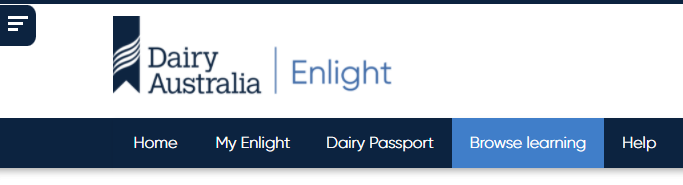
On Desktop
In the Navigation Bar at the top, select Browse Learning.
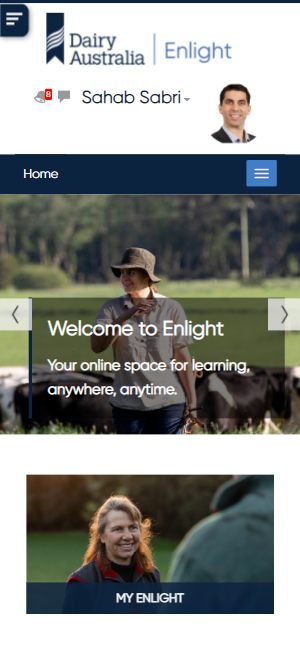
On Mobile
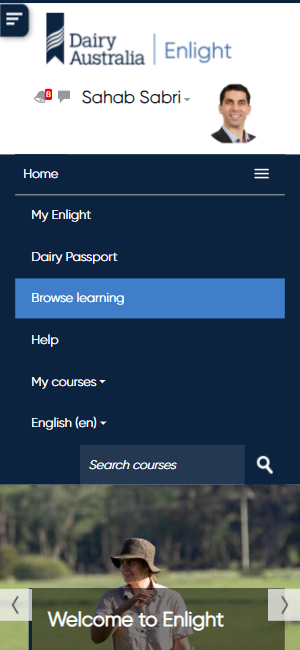
In the Navigation Bar at the top, expand the Navigation Bar by tapping the Menu button opposite Home.
Then tap Browse Learning.
Accessing learning you are enrolled in
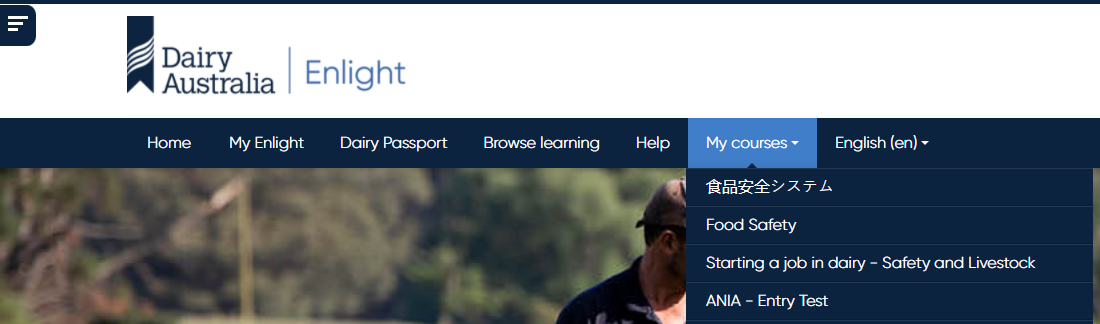
In the Navigation Bar, go to My Enlight:

Or, pick your course from the My courses drop-down menu:
Or, on the homepage select the My Enlight tile:

Background Colour
Font Face
Font Kerning
Font Size
Image Visibility
Letter Spacing
Line Height
Link Highlight
Text Colour
Text Alignment